User Authentication
- Navigate to the MyE911 "Lite" landing page (given to you by your administrator).
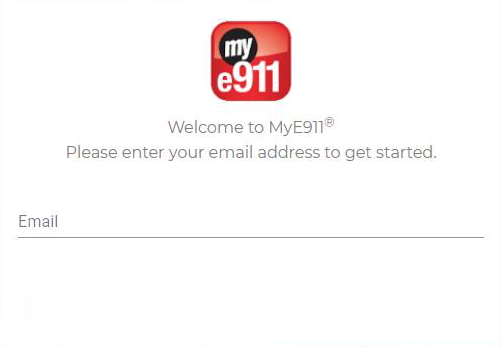
- Enter the email address that was used to create the User account.
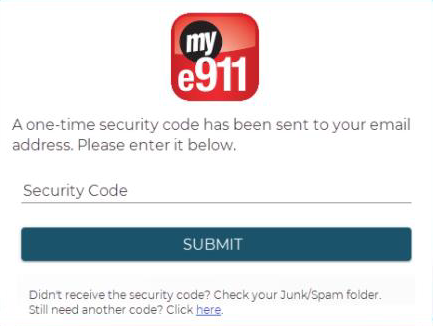
- Enter the one-time security code that was sent to the associated email account. The code will expire after 24 hours.
- Users of MyE911 "Lite" will be prompted to reauthenticate after 60 minutes.
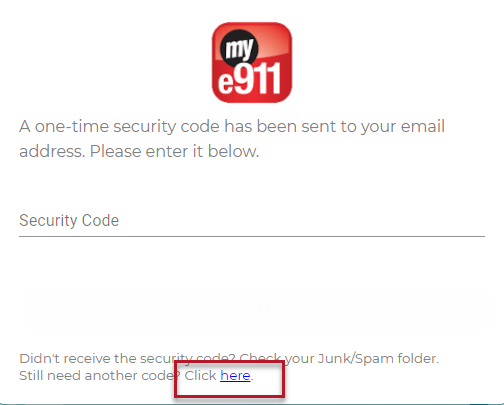
- Users will have the ability to resend a one-time security code.
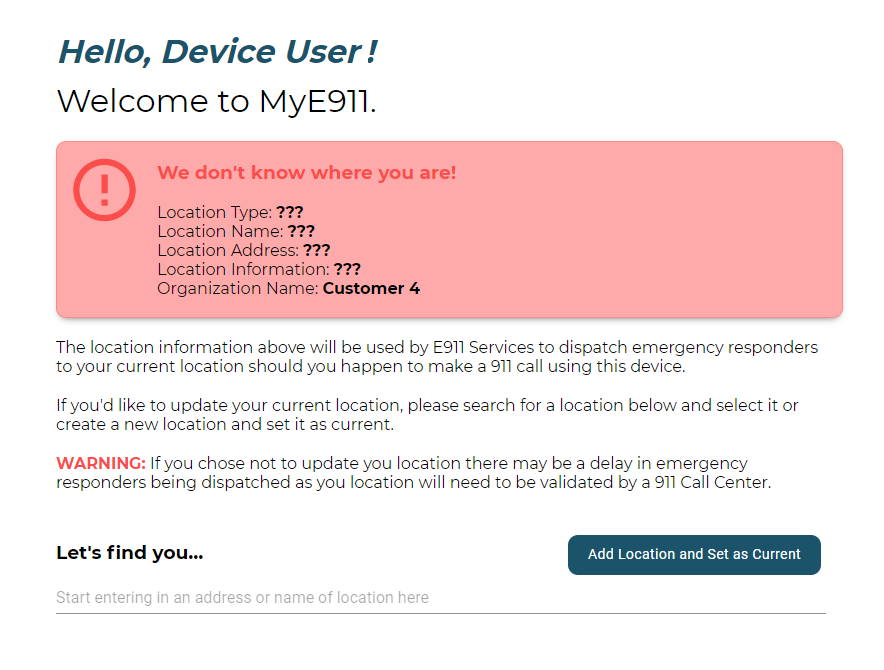
- Once authenticated, users will be directed to the My Location page like they would via the MyE911 Client.